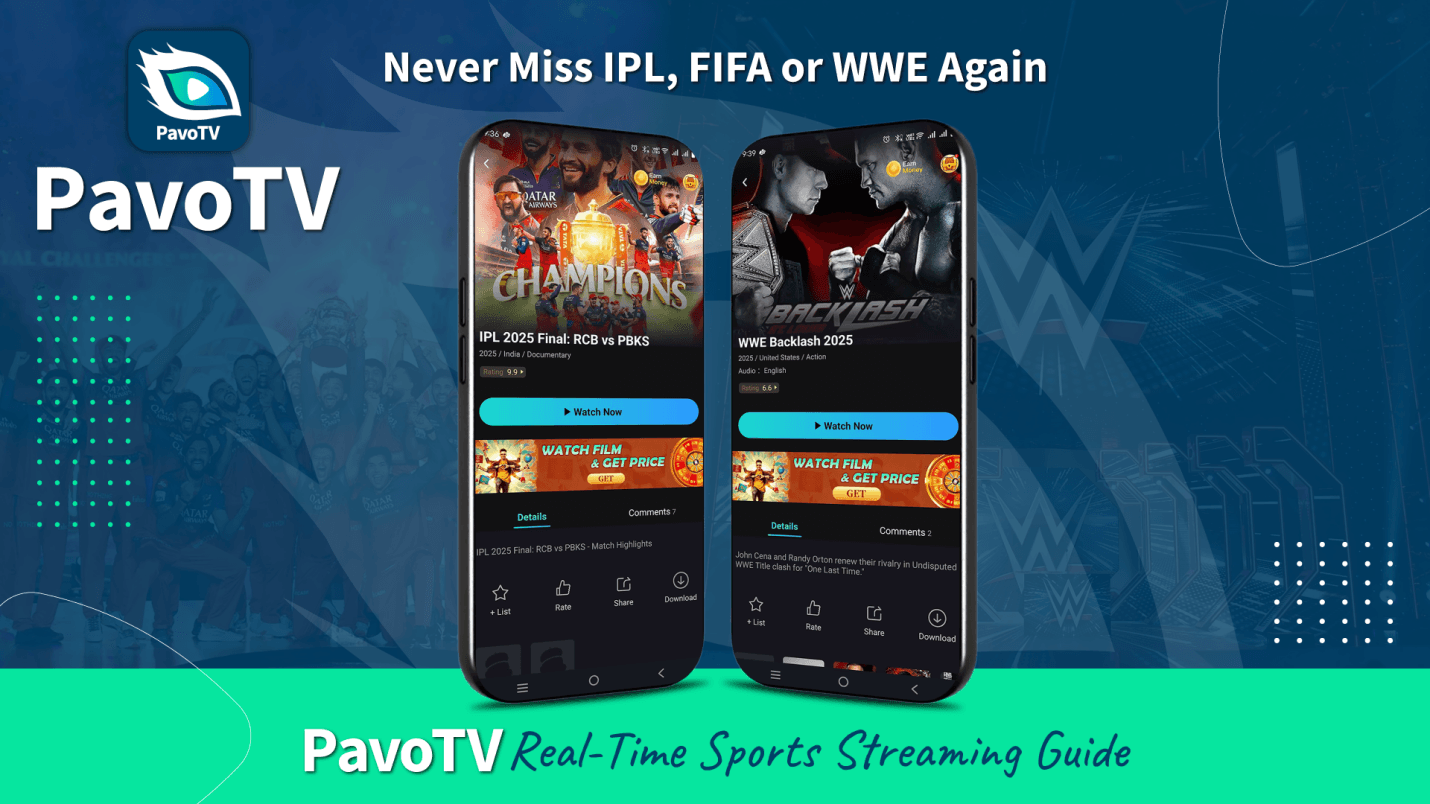
The Sports Fan's Dilemma
The Sports Fan's Dilemma
How to Download and Install PavoTV
How to Download and Install PavoTV
For Android Phones and Tablets
For Android Smart TVs (Sony, Samsung, LG, Mi, TCL, Toshiba, Redmi)
For Amazon Fire TV Stick
For Roku TV
For Chromecast with Google TV
For Apple TV
For PC (Windows/Mac)
Important Tips for TV Installation
Ensure your Smart TV or streaming device is connected to stable WiFi before starting
Make sure you have at least 150-200 MB of free storage space on your device
Keep your TV remote handy for easier navigation through menus
If using USB installation method, use a reliable USB drive formatted as FAT32
Always download the APK from the official PavoTV website (PavoTV.info) to avoid malicious files
Clear cache if the app runs slowly: Go to Settings > Apps > PavoTV > Clear Cache
Grant all necessary permissions for smooth streaming (storage, network access)
Restart your TV once after installation for optimal performance
Update the app regularly for new features and bug fixes
Installation Failed
Check if Unknown Sources is enabled in Settings
APK Not Found
Make sure the file downloaded completely before installing
App Crashes
Clear app data and cache, then restart your TV
Can't Find Downloaded APK
Check your Downloads folder or use a File Manager app
USB Not Detected
Try a different USB port or reformat the USB drive
Cricket: Your Window to Every Boundary and Wicket
IPL and International Cricket
IPL and International Cricket
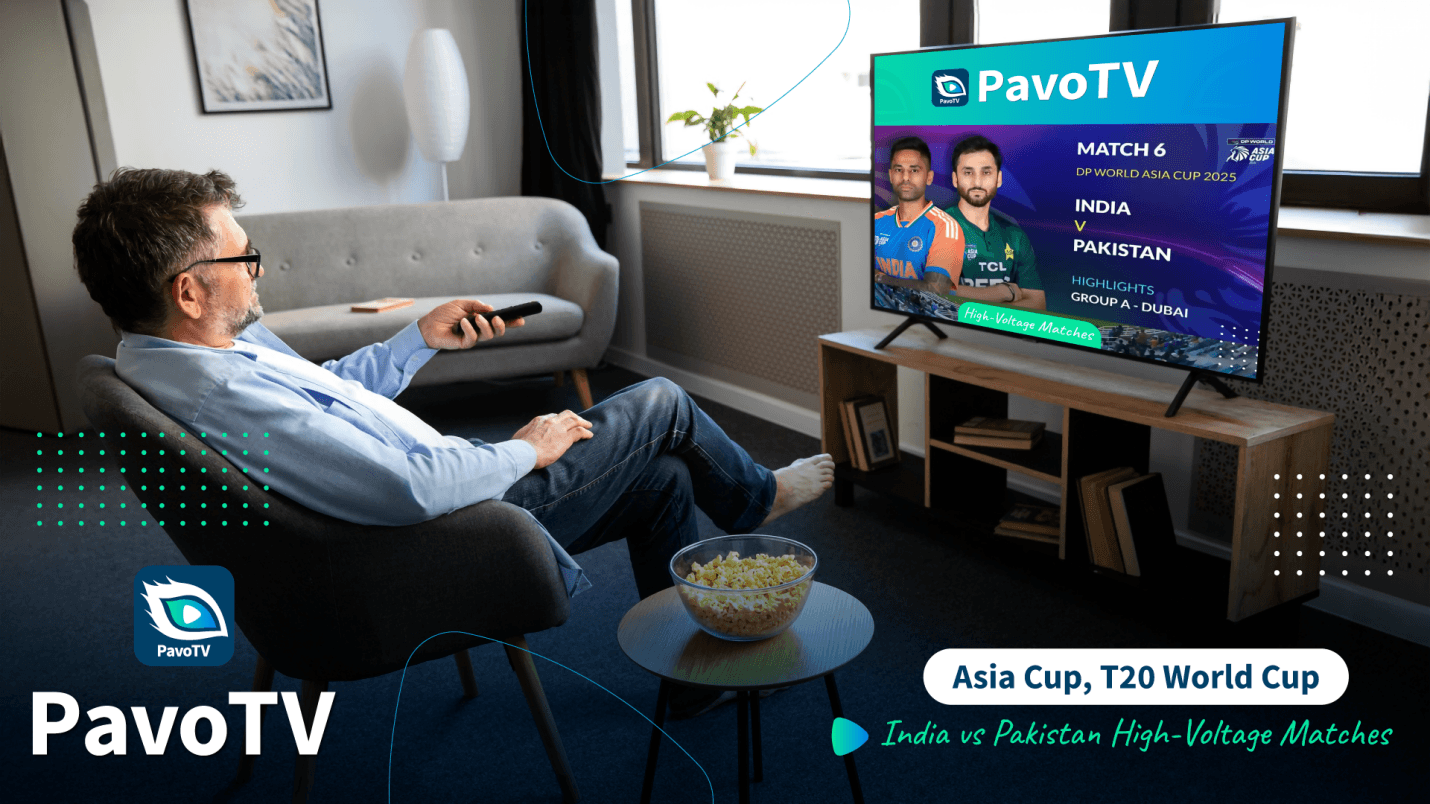
Football: From Manchester to Madrid
Global Football Coverage
Global Football Coverage
------------
------------
------------
------------
------------
WWE and Combat Sports
Beyond the Big Three
Your Complete Channel Lineup
How It Actually Works
Here's the simple process:
Here's the simple process: